Create Group
The menu item [Admin]->[User/Groups]->[Create Group] shows the input mask for creating a new user group.
It is possible to switch to the User/Group-Administration (Admin->User/Groups->Administration) by using either the tree view of all previously registered users and groups or the search function with the help of a single mouse click.
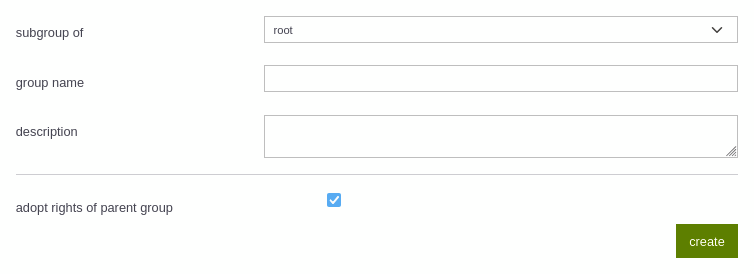
| subgroup of | root: the new group is no subgroup of another group "group name": the new group is a subgroup of the group "group name" |
|---|---|
| group name | Name of the group |
| description | A description can be added to the new group |
| adopt rights of parent group | If the box is checked, the new group adopts the rights of the superior group (if available) |